
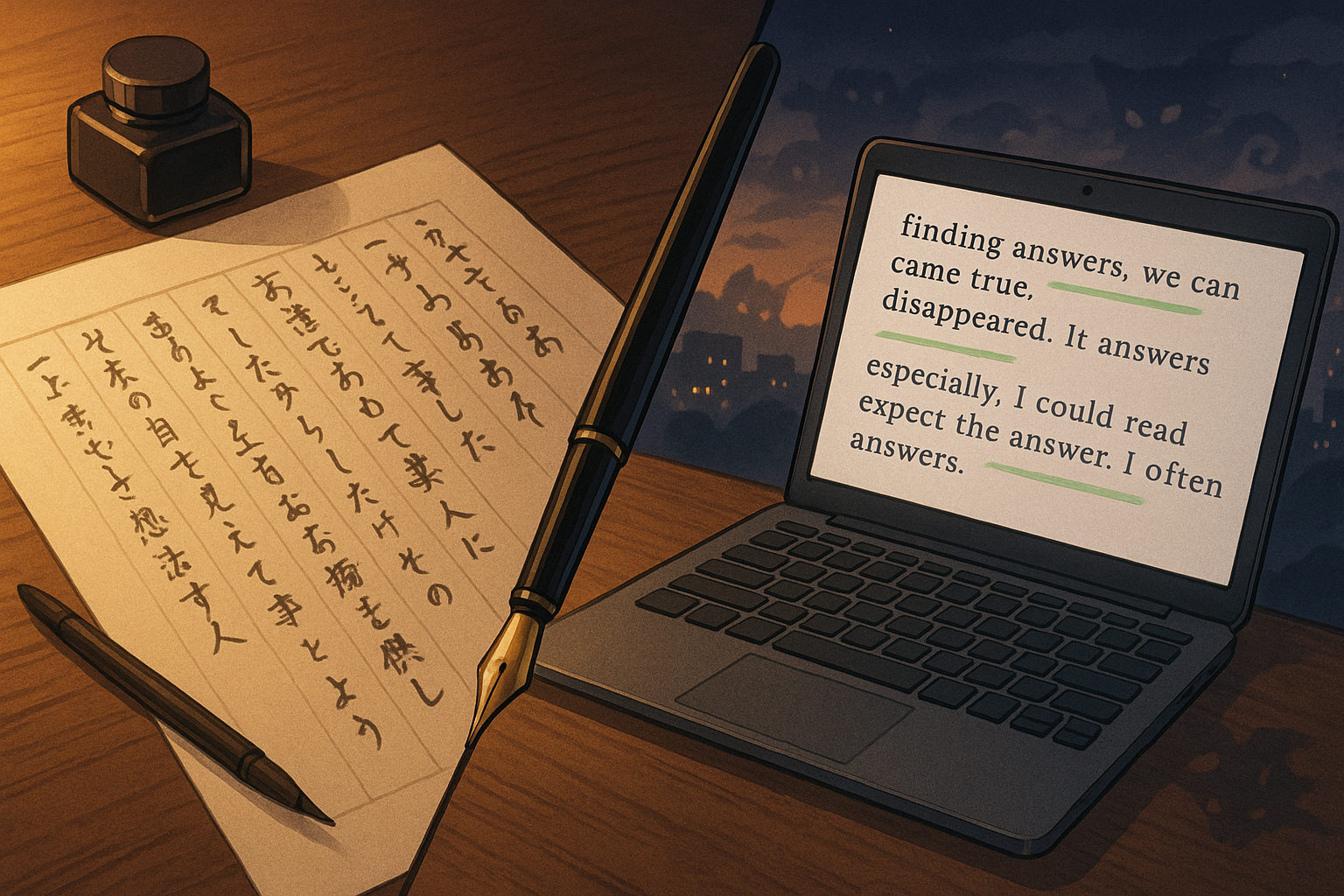
- Introduction: When Your Imagination Thinks in Japanese, but Your Draft Has to Be in English
- Who I Am and How Grammarly Fits My Writing Life
- What Grammarly Actually Does (and What It Doesn’t)
- How I Use Grammarly in Different Stages of Writing
- Settings and Tricks I Recommend for Non-Native Writers
- Limitations: Where Grammarly Is Not My Friend
- So, Is Grammarly Worth Paying For?
- Final Thoughts: Let Grammarly Be a Mirror, Not Your Master
- Affiliate & Transparency Note
Introduction: When Your Imagination Thinks in Japanese, but Your Draft Has to Be in English
My imagination lives in Japanese.
The gods, monsters, and humans in my stories all argue, whisper, and confess in Japanese first.
But some of my work — blog posts like this, or future projects for international readers — has to be written in English.
If you’re reading this, you might be in a similar place:
- You use English a lot, but it’s not your first language.
- You write creatively, not just emails and reports.
- You want your English to be clear and trustworthy, but you don’t want to erase your personality.
That’s exactly where Grammarly enters my writing life.
This article is written from my perspective as a non-native writer who works in English.
If you also use English as a second language – or even if you’re a native speaker who’s curious how writers like me rely on tools – I hope this gives you a realistic picture of how Grammarly actually fits into a writing workflow.
Who I Am and How Grammarly Fits My Writing Life
I’m Yui, a Japanese fantasy writer building a world of gods and yokai in a Japan-inspired setting.
I write my novels in Japanese, but my website, Yui’s Japanese Culture Lab, is in English.
That means:
- My drafting brain is Japanese.
- My explaining brain often has to operate in English.
- My inner critic is constantly whispering, “Is this sentence weird…?”
Grammarly, for me, is not a magic wand. It’s more like:
a slightly strict but helpful proofreader who sits beside me after I’ve already done the real writing.
I use it to catch silly mistakes, improve clarity, and double-check tone — especially when I’m tired or writing long guides like this one.
What Grammarly Actually Does (and What It Doesn’t)
Very briefly, Grammarly can:
- catch typos and basic grammar mistakes
- suggest clearer phrasing
- highlight sentences that are too long or confusing
- check tone (formal / informal / confident / friendly, etc.)
- suggest synonyms and alternatives
With the paid version, it also gives:
- more detailed style suggestions
- vocabulary and fluency tweaks for non-native writers
- plagiarism checks (useful for academic or client work)
But here is something important:
Grammarly does not understand your story, your character voice, or your emotional intention.
It only sees patterns.
If you follow every suggestion blindly, your writing can easily become:
- flatter
- more generic
- less “you”
So the real question is not “Is Grammarly good or bad?”
It’s:
“How can I use Grammarly without letting it erase my voice as a Japanese fantasy writer who lives between languages?”
The rest of this article is my answer.
How I Use Grammarly in Different Stages of Writing
Stage 1: Brain Dump (No Grammarly Yet)
When I first pour my ideas onto the page (in English):
- I don’t have Grammarly open.
- I let my Japanese-shaped thoughts come out in slightly broken English if they need to.
- I focus on: images, feelings, structure, and honesty.
If I let Grammarly shout at me from the beginning, I start worrying about commas instead of ideas.
So in this stage, I deliberately ignore correctness.
Stage 2: Structure and Flow (Still Minimal Grammarly)
Next, I look at:
- the order of sections
- whether the story of the article makes sense
- where a reader might get lost
Here I might turn Grammarly on just to catch very obvious typos, but I mostly ignore style suggestions.
There’s no point polishing sentences in a paragraph that might disappear later.
Stage 3: Line Editing with Grammarly as a Second Pair of Eyes
Only when I’m happy with the structure do I use Grammarly seriously.
This is where it’s helpful:
- catching missing articles (a / an / the)
- smoothing awkward prepositions
- reminding me when a sentence is too long
- pointing out repeated words I didn’t notice
For example, I often write things like:
“In this article I want to carefully and honestly talk about how I actually use Grammarly in my daily writing.”
Grammarly might suggest:
“In this article, I want to talk honestly and clearly about how I use Grammarly in my daily writing.”
Sometimes I accept. Sometimes I click “ignore” because my rhythm was intentional.
The key is: I stay in control.
Grammarly proposes; I decide.
Stage 4: Final Pass and Style Choices
Before I publish, I use Grammarly for:
- one last typo check
- consistency (capitalisation, spelling, punctuation)
- tone
Grammarly is especially helpful when I’m switching between:
- blog posts for learners of Japanese
- more academic-style explanations
- more intimate, diary-like essays
For each piece, I ask:
“Do I want this to sound more friendly, more professional, or somewhere in between?”
Then I look at Grammarly’s tone suggestions and adjust as needed.
Settings and Tricks I Recommend for Non-Native Writers
Here are some concrete ways to make Grammarly more useful if English is not your first language.
1. Set the Right Goals
When you start a document in Grammarly, you can set:
- Audience – General / Knowledgeable / Expert
- Formality – Informal / Neutral / Formal
- Domain – Academic / Business / Creative / etc.
For articles like this, I usually choose:
- Audience: General
- Formality: Neutral
- Domain: Creative or General
This tells Grammarly, “I’m not writing a scientific paper or a casual group chat. Please live in the middle.”
2. Protect Your Character and Place Names
Fantasy writers have strange names.
Grammarly will happily try to “fix” them.
I recommend:
- adding key names (characters, places, terms from your world) to your personal dictionary
- ignoring suggestions that try to change them
This reduces visual noise in the editor and keeps your world intact.
3. Learn from Repeated Corrections
If Grammarly keeps correcting the same kind of mistake (for example, articles or prepositions), treat it as personal homework.
Ask yourself:
- “Why do I always write in Monday instead of on Monday?”
- “Why do I forget the in front of specific nouns?”
You don’t have to become perfect, but noticing your patterns will gradually make your raw drafts cleaner.
4. Use It as a “Clarity Test,” Not a Creativity Judge
Grammarly is excellent at one thing: showing where a sentence might be hard to follow.
If it highlights a sentence as “confusing,” I ask:
- “Is this confusing because the idea is complex?”
- “Or because I tried to stuff three ideas into one sentence?”
Sometimes I break one sentence into two and keep my original words.
That way, I keep my mood but help the reader breathe.
Limitations: Where Grammarly Is Not My Friend
Even though I use Grammarly daily for English writing, I’m very aware of its limits.
1. It Can Flatten Emotional Nuance
If a sentence is intentionally strange to match a character’s voice, Grammarly often dislikes it.
For example:
“The city was too quiet, like it was waiting to remember something terrible.”
Grammarly might suggest something more plain.
In those moments, I protect my sentence.
2. It Prefers “Safe” English
Because Grammarly is trained for broad usage, it leans toward:
- business-style clarity
- widely accepted, standard expressions
That’s fine for many situations, but in fiction or personal essays, you sometimes need:
- broken grammar for effect
- unusual rhythm
- silence between words
In those cases, I ignore the suggestion and let my strange sentence live.
3. It Doesn’t Know Japanese Culture
If I use words like yokai, kami, or specific seasonal terms, Grammarly can’t feel their cultural weight.
It can help me with the English around those words, but it can’t tell me:
- when I’ve explained too much
- when the mystery is better left unexplained
That judgment has to come from me.
So, Is Grammarly Worth Paying For?
If you’re a student writing only a few essays per year, the free version might be enough.
But if you:
- write regularly in English (blog posts, newsletters, client work, fiction),
- feel tired of manually checking every sentence, and
- want a safety net without hiring a human editor every time,
then Grammarly Premium can be worth it, especially for non-native writers.
It won’t make you a better storyteller.
But it can:
- save you time
- reduce anxiety about “basic mistakes”
- let you focus more on ideas and structure
If you’re curious, you can explore Grammarly here:
【ADD: Grammarly affiliate link】
Try it for a while and pay attention to how you feel:
- Do you write faster?
- Do you stress less when hitting “publish”?
- Do you still recognise your own voice in the final draft?
If the answers are mostly “yes”, it might be a good tool for your current stage.
Final Thoughts: Let Grammarly Be a Mirror, Not Your Master
As a Japanese fantasy writer, my relationship with English is complicated.
Some days, English feels like a wide open field.
Other days, it feels like a narrow hallway where I keep bumping into grammar rules.
Grammarly doesn’t change that completely.
But it does give me a mirror:
- to see where my English is unclear
- to catch small mistakes before readers do
- to support my work so I can spend more energy on the world of my stories
Use Grammarly as a mirror and assistant, not as a strict teacher whose opinion matters more than your own.
Your accent in English — in speech and in writing — is part of your creative identity.
Tools should polish your work, not delete who you are.
Affiliate & Transparency Note
This article includes affiliate links.
If you choose to subscribe to Grammarly through these links, I may receive a small commission at no extra cost to you.
I only recommend tools I personally use and would genuinely suggest to other writers who live between languages like I do.
Thank you for supporting my writing and this little lab.